
- Your Google accounts, one inbox
- Read, reply, and send
- Keyboard shortcuts
- Microsoft accounts
- AI-powered prioritization
- Autotagging
- Team email collaboration
- Turn emails into tasks
- Scheduled sending
Beta · Your team, connected
One workspace. For the whole team.
Your inbox, chats, tasks, and docs—finally on the same page. Keep the context close and move work forward together.
Your everyday toolkit
Eight tools. One place to get going.
See how your work fits together. Explore the refreshed UI concepts below, shown with sample data.
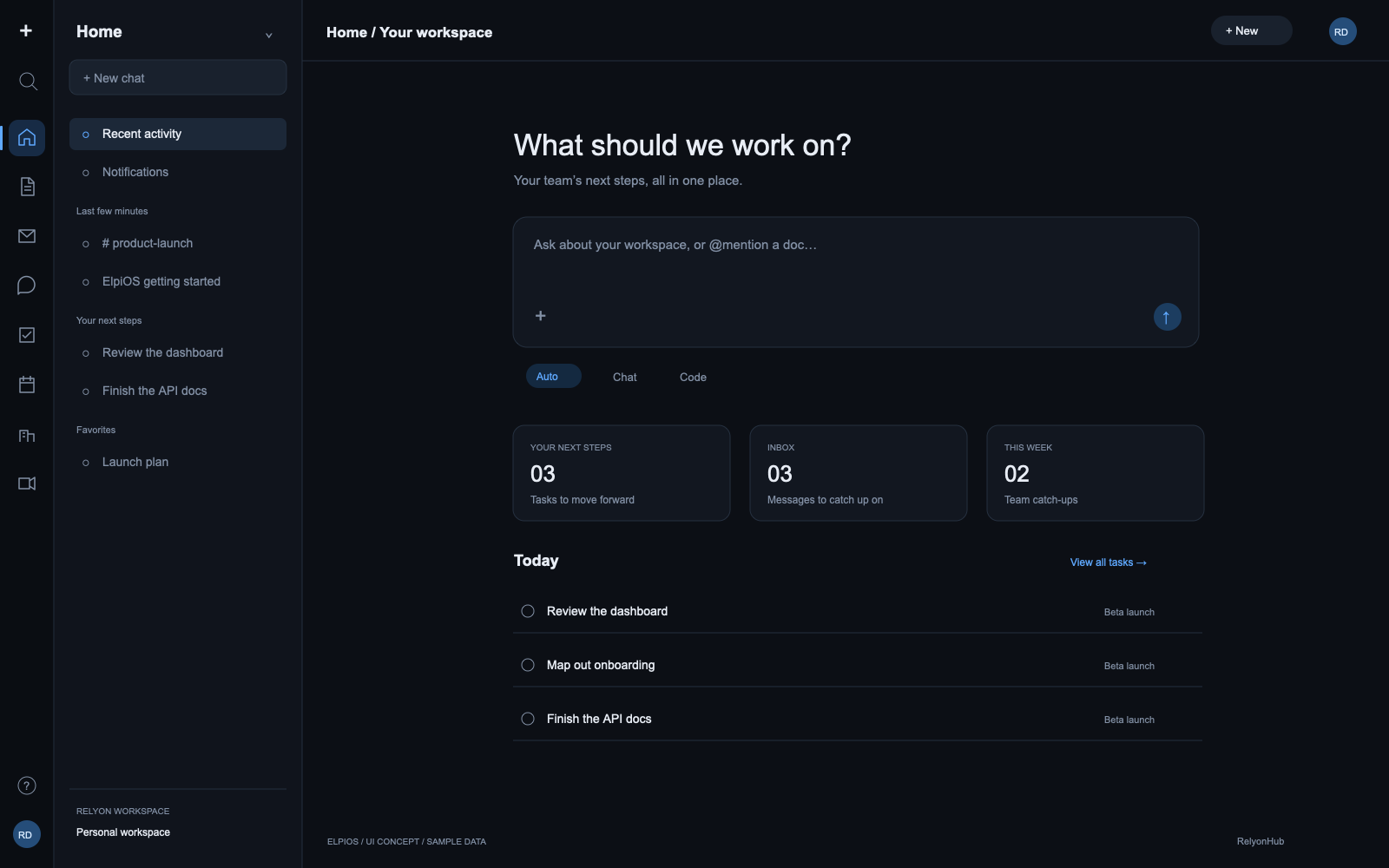
Home
Know what needs you next. Find emails, mentions, and tasks in one feed. The AI chat shown here isn’t active yet.
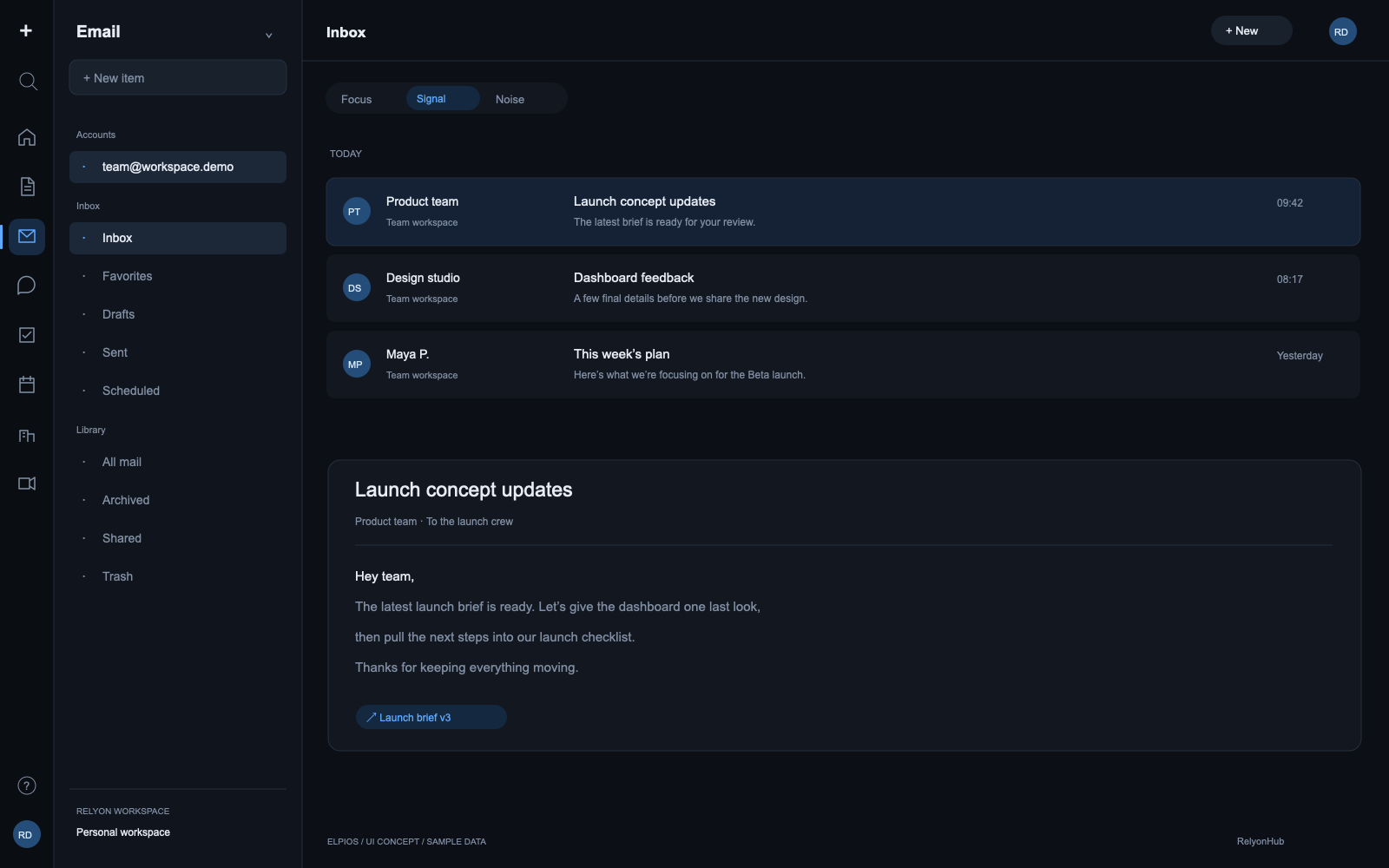
Mail
Bring Gmail along. Read, reply, and connect conversations to the work behind them.
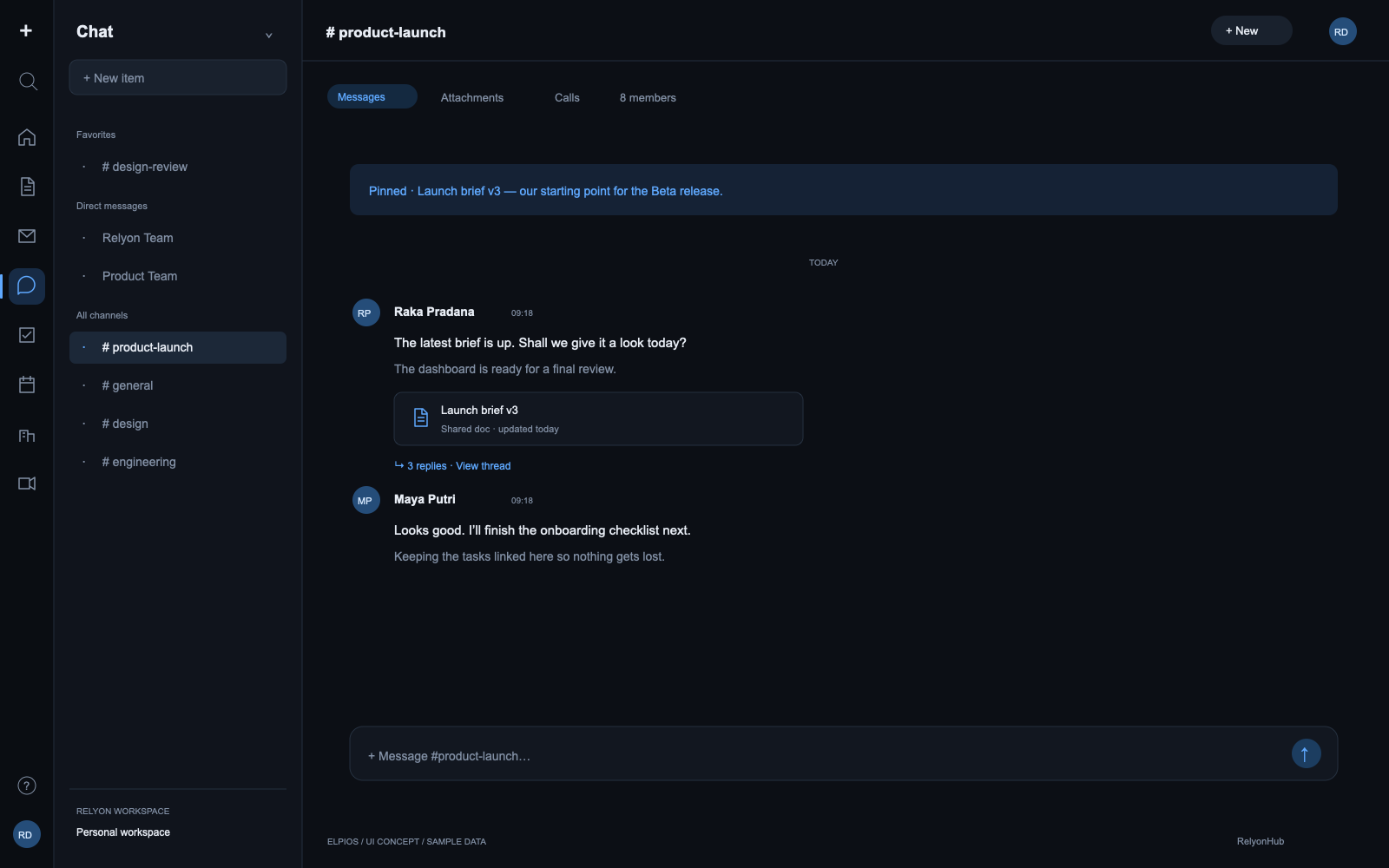
Chat
Keep the team in the loop with channels, DMs, threads, and mentions.
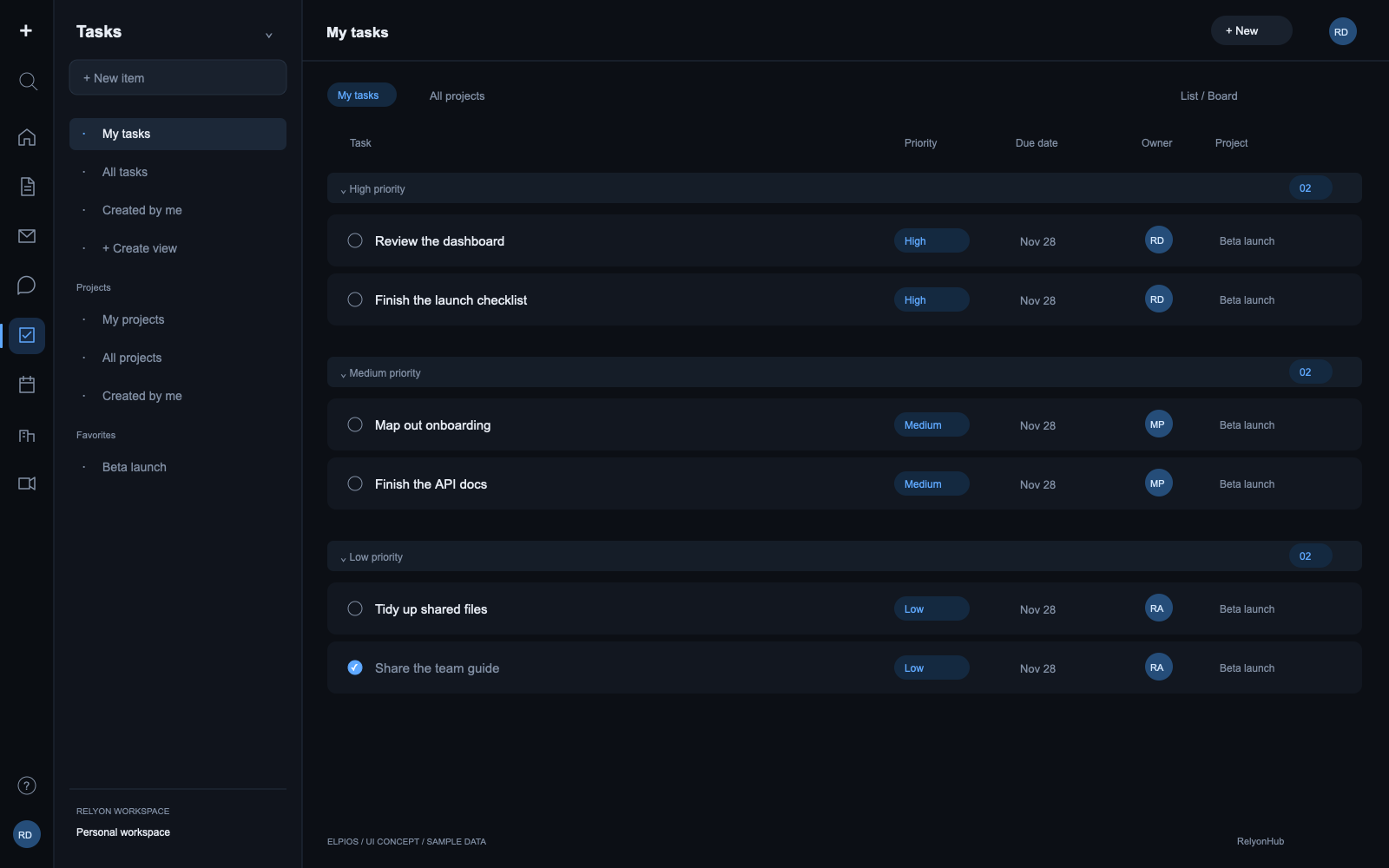
Tasks
Make the next step obvious. Track priorities, owners, and due dates in a board or list.
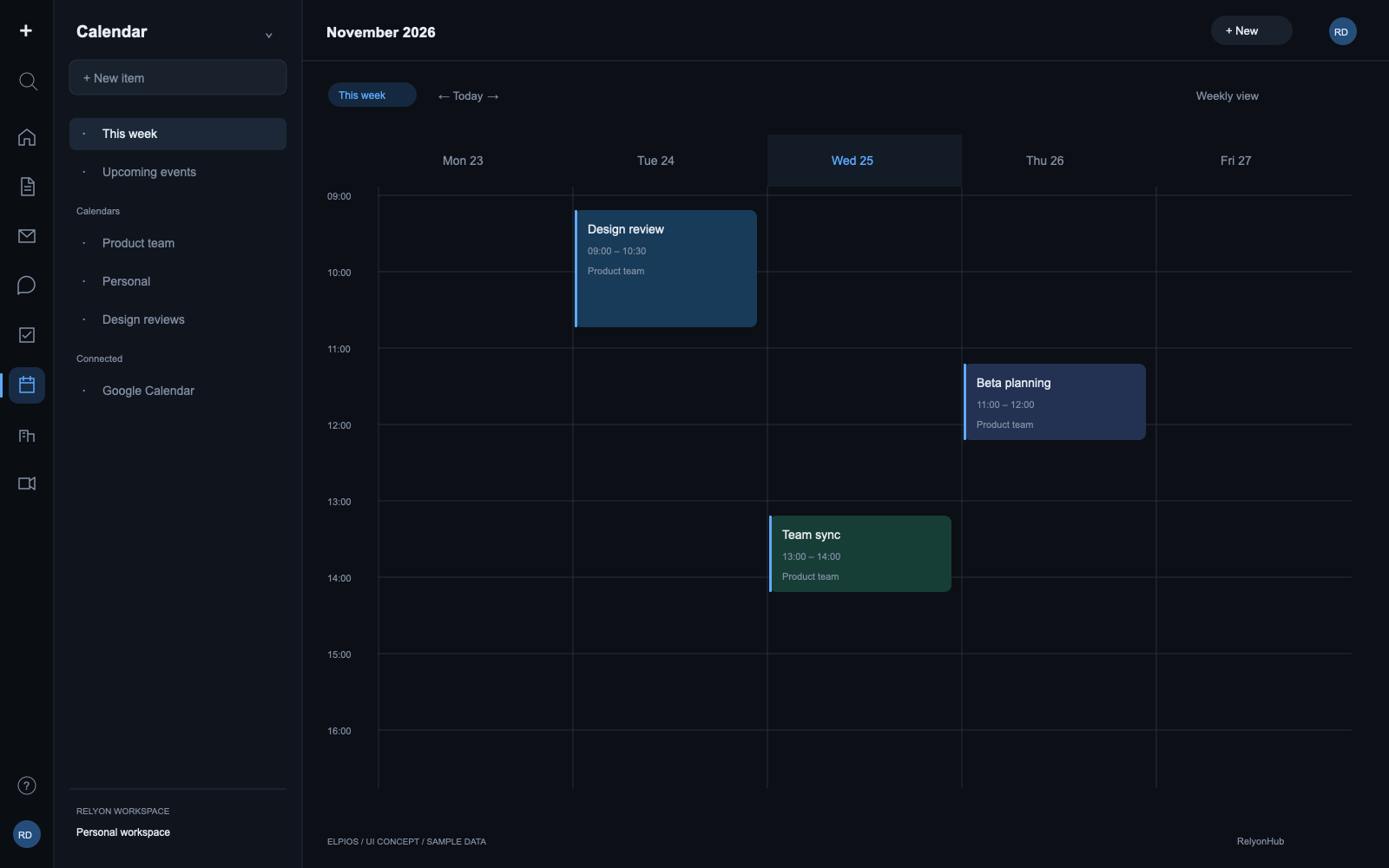
Calendar
See your week at a glance, with your Google Calendar right where you work.
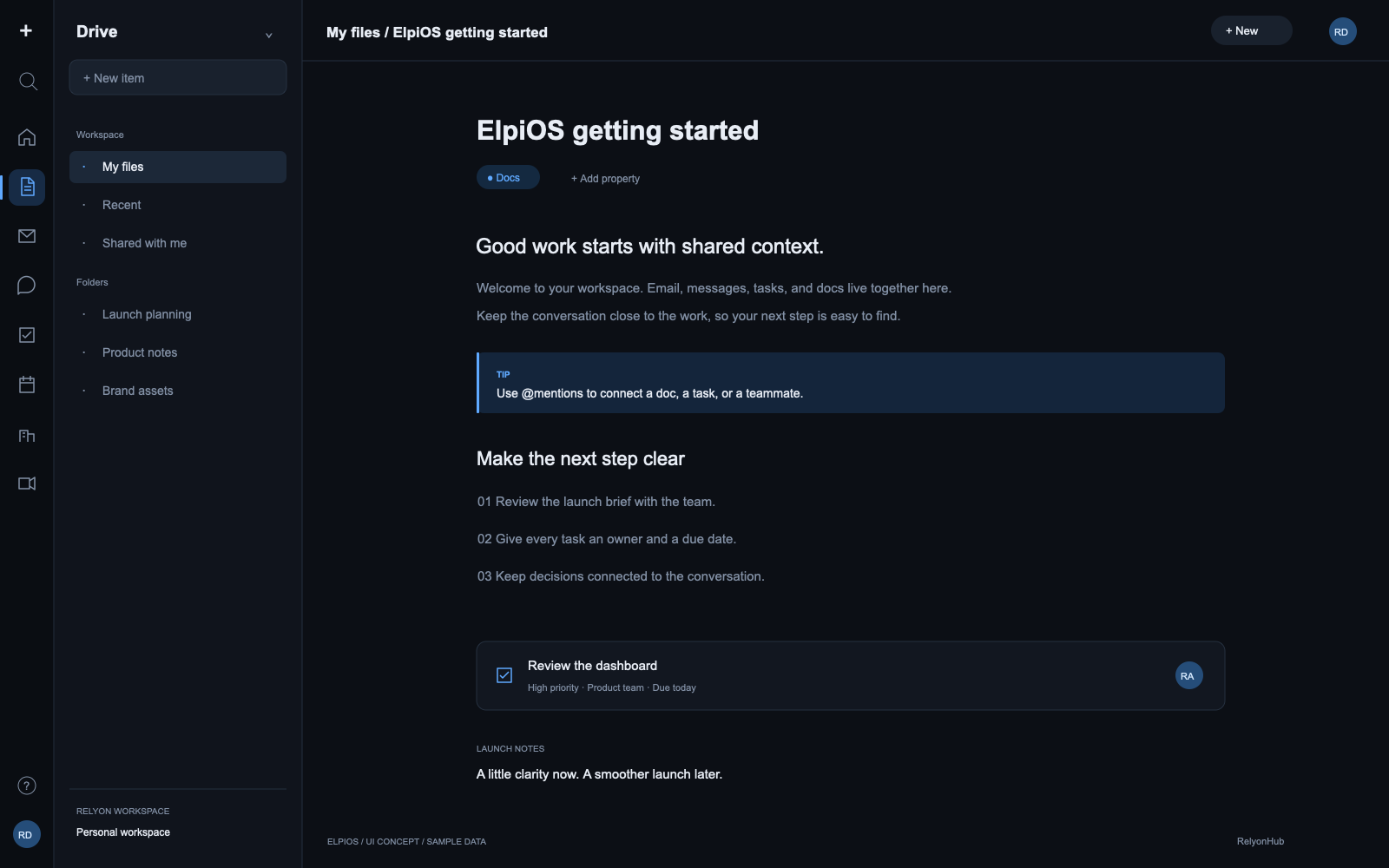
Docs
Write it down. Link it up. Connect Markdown docs to tasks, contacts, and the rest of your work.
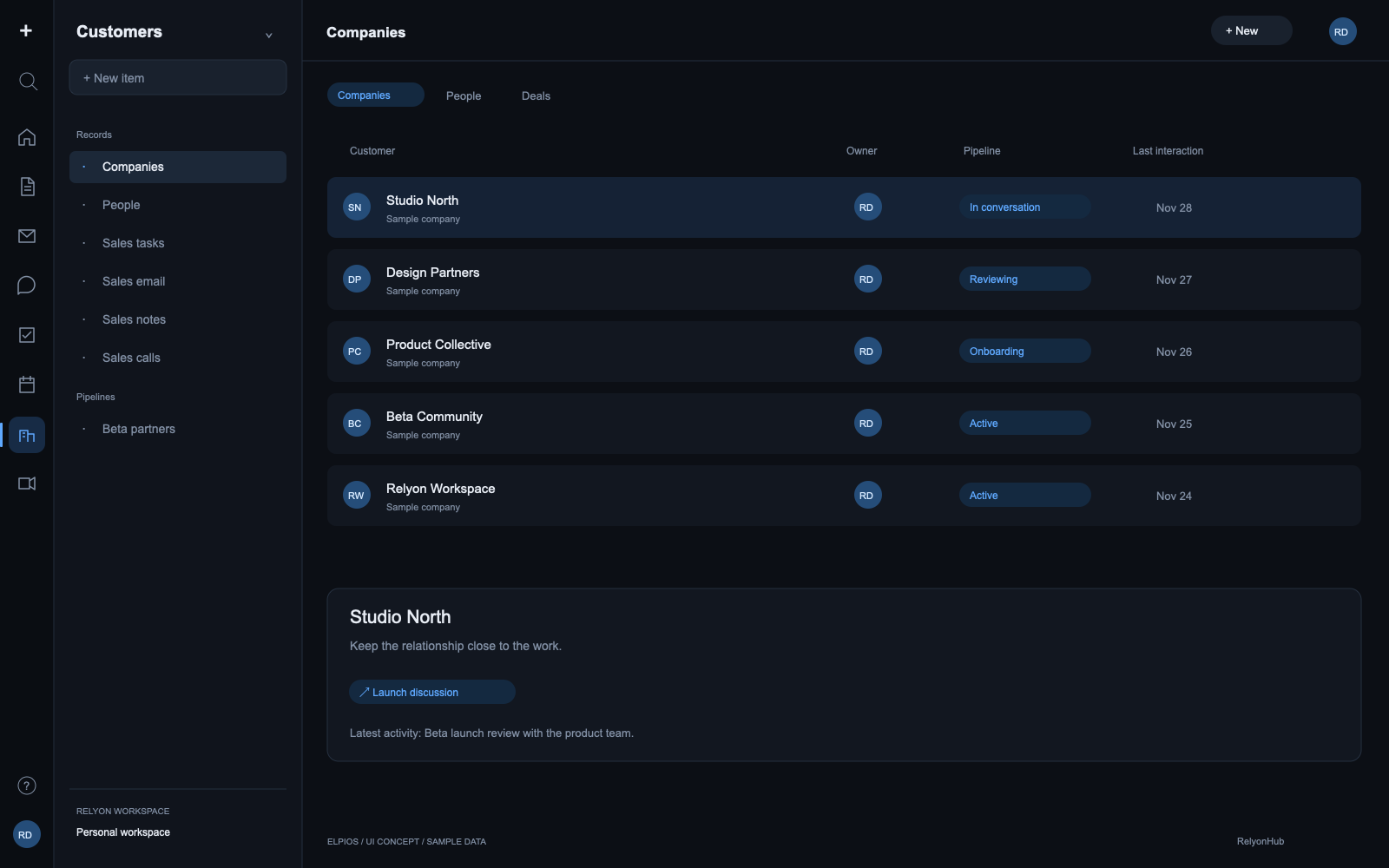
CRM
Keep people, companies, and deals close to the conversations that matter.
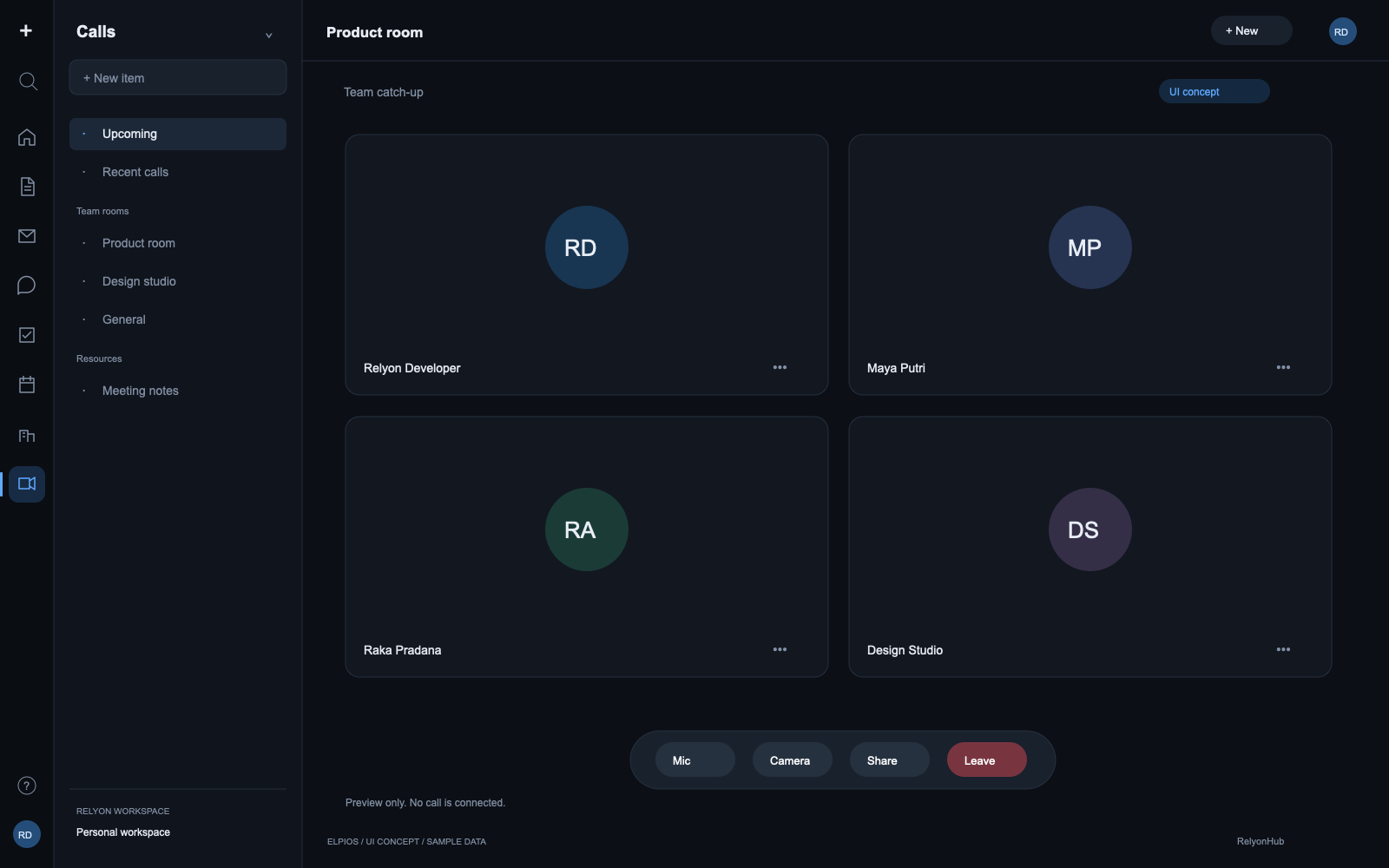
Calls
Need to talk it through? Start a video call from your workspace.
Keep the work flowing
Turn the conversation
into real progress.
Good ideas shouldn’t get lost between apps. Connect the context, take the next step, and keep everyone moving together.
- 01 / COMMUNICATION
All your messages.
One clear inbox.Find what matters, get the context, and keep the next step close to the conversation.
↗INBOX 3 newANAruna N.Launch concept updates09:42ImportantRSStudio TeamThis week’s brief, updated08:17DPDimas PutraRe: Product review scheduleYesterdayEmail linked to a taskFinal concept · Product launchLinked - 02 / COLLABORATION
Conversations that
go somewhere.Keep the files, decisions, and next steps right alongside the discussion.
#product-launch8 members · 2 online↳ 3 replies · view threadMessage #product-launch + ➤ - 03 / GETTING IT DONE
Tasks with the
whole story.Give every task a priority, an owner, and a link back to where it all started.
ElpiOS 1.0 launch68%✓Map out onboardingMPDoneReview the dashboardRATodayFinish the API docsDSTomorrow↗ From thread #product-launch - 04 / SHARED KNOWLEDGE
Docs that grow
with your team.Keep notes and plans close to the projects and conversations they belong to.
ELPIOS · DOCSA great launch
starts with the team.Get your ideas together, line up the next steps, and give everyone the same starting point.
@ Raka linked the task Review the dashboard
An illustrated look at how work connects. Check what’s ready in the feature list.
Company graph
Every @ keeps the story connected.
Mention a doc in chat and find your way back from either side. Less digging. More context, right when you need it.
Every piece, connected.
Your whole team, on the same page.
Take a closer look
Ready now. More on the way.
The Coming soon label means a feature isn’t live or hasn’t been verified on ElpiOS yet.
Tasks
- Board and list views
- Statuses and priorities
- Due dates and owners
- GitHub links
Channels
- Team channels
- Direct messages
- Threads and mentions
- Real-time messages
- Signal / Noise
- WhatsApp in your inbox
Docs
- Markdown editor
- Live collaborative editing
- Mention other work items
- Version history
- Shared editing cursors
- Write alongside an agent
Calls
- Instant video calls
- Guest links
- Recordings
- Transcripts and summaries
CRM
- Companies and contacts
- Owners and deals
- Companies from sent emails
Calendar
- Google Calendar sync
- Weekly calendar view
- Microsoft Calendar
- Booking link
Files and data
- Drive: upload and preview files
- Databases
- Spreadsheets
- Forms
- Canvas
- Snippets
The essentials
- Home: your connected inbox
- Link work with @mentions
- Workspace-wide search
- Autotagging
- Automatic channel-based sharing
- Event system
GitHub
- Pull requests and diffs
- Review and merge
- Task updates from pull requests
Admin and access
- Sign in with Google
- Create, lock, and remove accounts
- Desktop app
- iOS and Android apps
AI teammates · Coming soon
A helping hand that gets the context.
We’re working on this. These agent features aren’t active in ElpiOS yet.
Team memory
Let your agent work from the emails, docs, and chats it’s allowed to see.
Tools
Get help with tasks, first drafts, and keeping notes up to date.
Bring your own agent
Connect your favorite agent through MCP.
Routines
Put repeat work on a schedule.
Skills
Save your team’s way of working, then use it again.
Give your tabs a break
Bring the work together. Leave the tab juggling behind.
- Slack
- Channels
- Linear and ClickUp
- Tasks
- Notion
- Docs
- HubSpot
- CRM
- Superhuman
Bring your work with you Coming soon
Planned imports from Notion, Linear, email, and Slack, plus MCP connections. Imports will be one-time copies, not ongoing sync.
Product names belong to their respective owners. Feature coverage varies.
Your workspace, your access rules
Keep access in the right hands.
- Encrypted connections over HTTPS
- Sign in with your Google account
- Admins can lock or remove accounts
ElpiOS is still in Beta and isn’t security-certified. Keep highly sensitive data out for now.